Lead Product Designer
(In a team of 8 other cross-functional members)
6 months
Creating Style Guide
UI Prototyping
Unreal UMG Design
Unreal Blueprints Development
Figma
ShapesXR
Unreal Engine
Project Overview
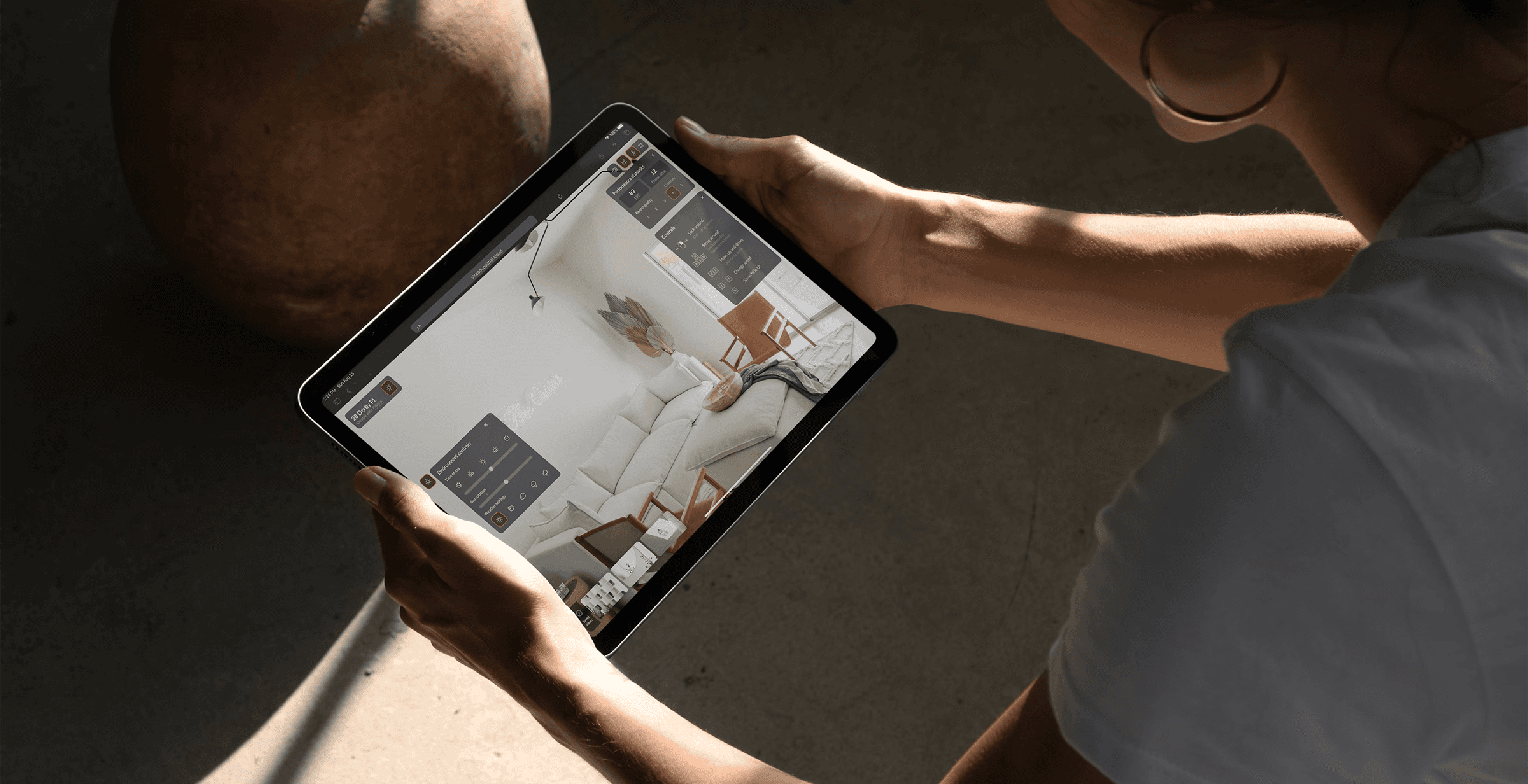
Palatial's pixel streaming instances are the main way for a user to interact with their optimized 3D scenes in a web browser. As long as an device has an active internet connection and a supporter browser, the 3D experiences can be pixel streamed.
In this project, I developed a new UI for pixel streaming, simplifying it to essential features that enable users to interact with their exported scenes and evaluate performance effectively, making it easier to share these experiences with clients and stakeholders.
Problem
Palatial’s pixel streaming instances, while powerful, required a simplified and user-friendly interface to allow users to interact efficiently with optimized 3D scenes via a web browser. The challenge was to streamline the user experience, ensuring that users could evaluate and share exported scenes across different devices and browsers without unnecessary complexity.
Demo reel
Research
The main research for this project was done through user interviews and competitive audits. Doing these were crucial to understanding what the pain points the users had with existing applications and how they could be improved.
What is pixel streaming?
Pixel streaming allows high-quality Unreal Engine applications to be run on remote servers and streamed directly to users' devices, providing interactive experiences without needing powerful local hardware.
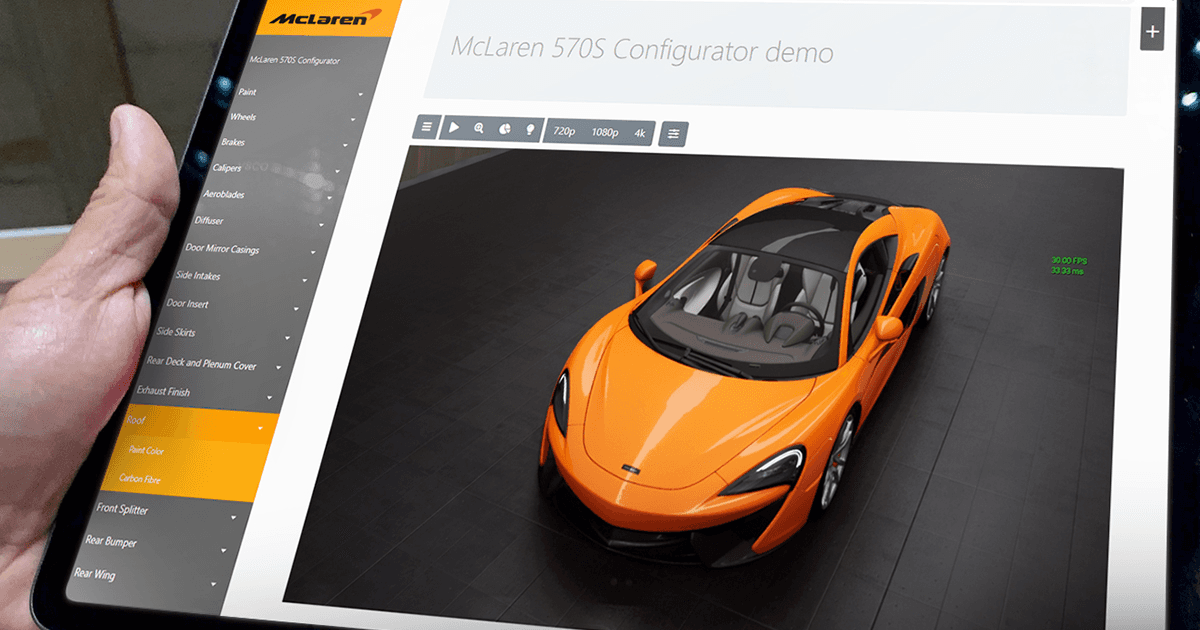
Photo courtesy: McLaren Automotive
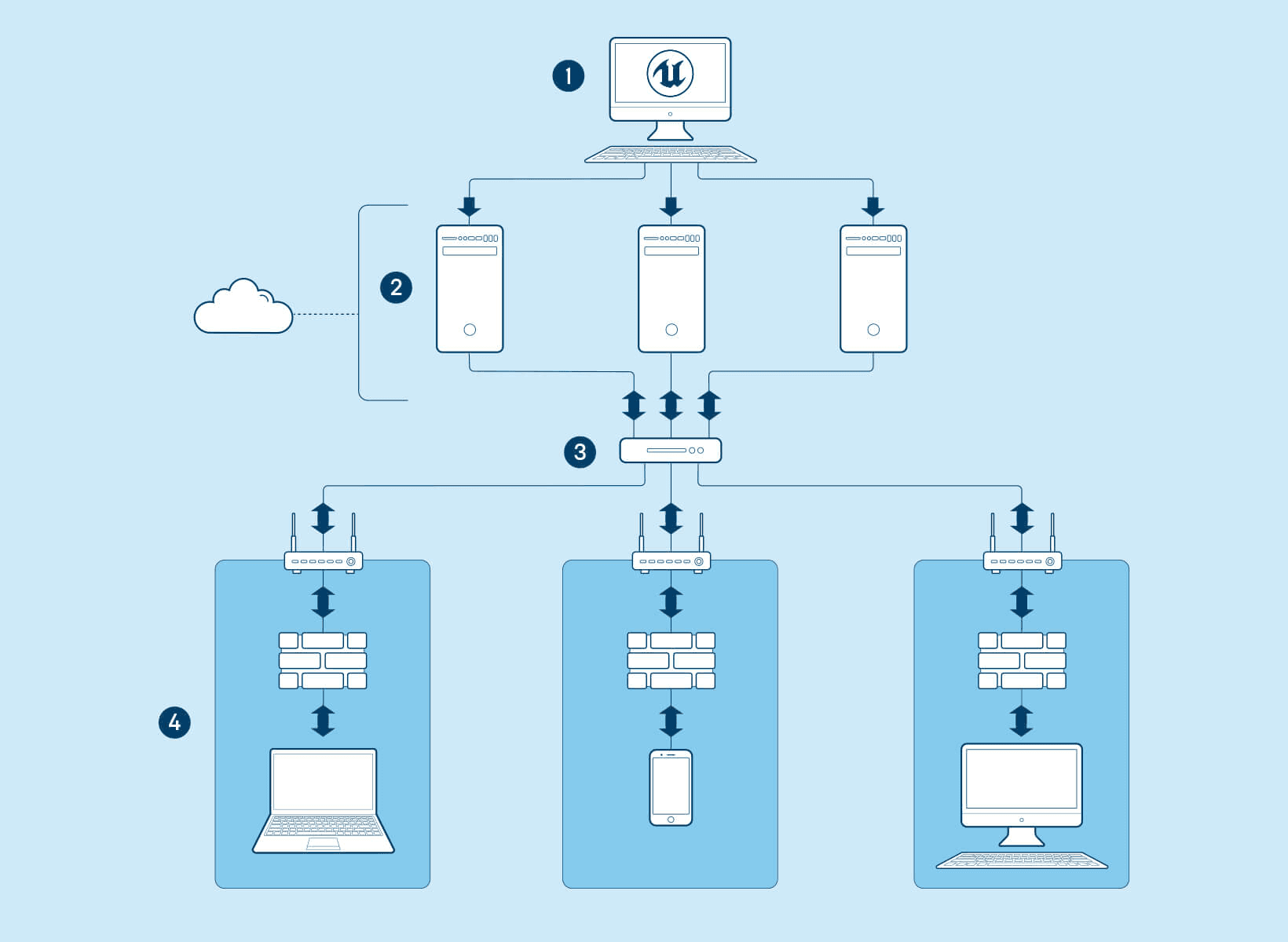
Diagram of a Pixel Streaming setup in Unreal Engine
Process
This was an ongoing project where new features had to be implemented based on stakeholder and user requirements.
Here we followed an agile framework where we were constantly testing with various users about what their requirements were.
Iterative design
Many different iterations were made over the duration of this project which evolved around various client projects and their requirements.
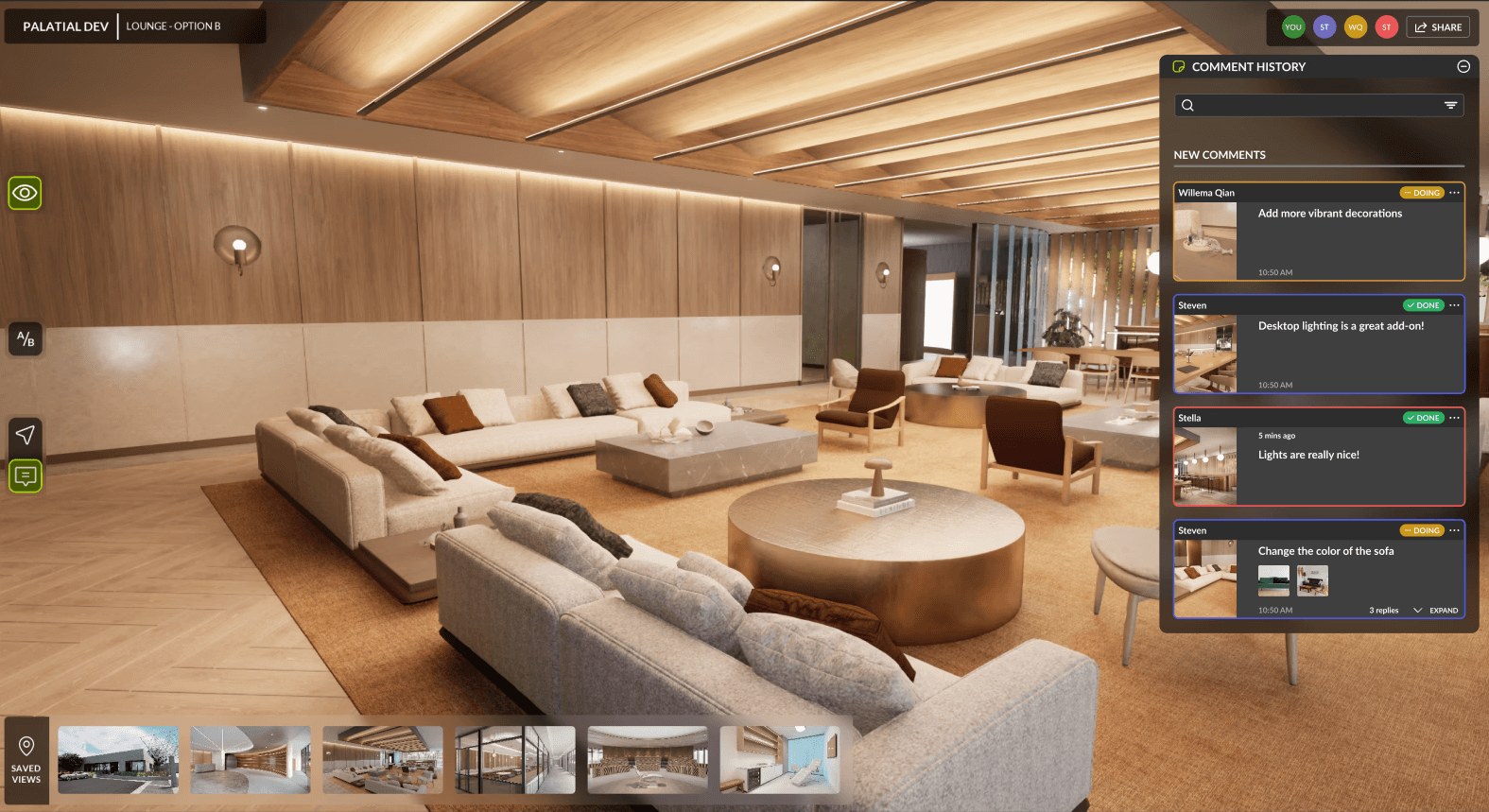
Each of these images highlights the progression of the UI over a couple of months based on usability information.
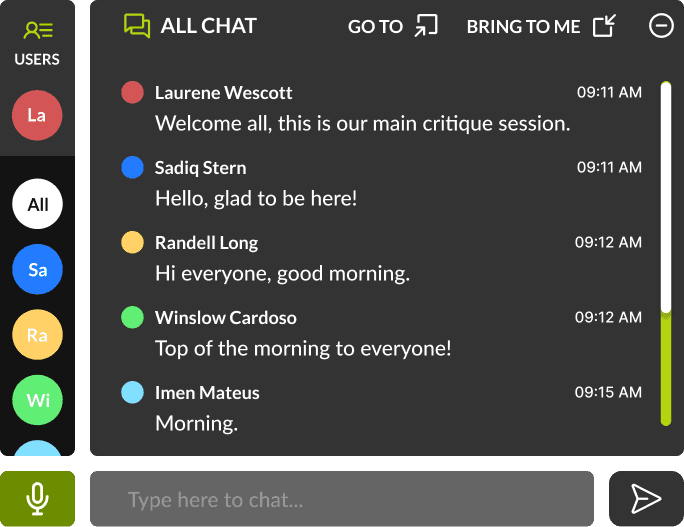
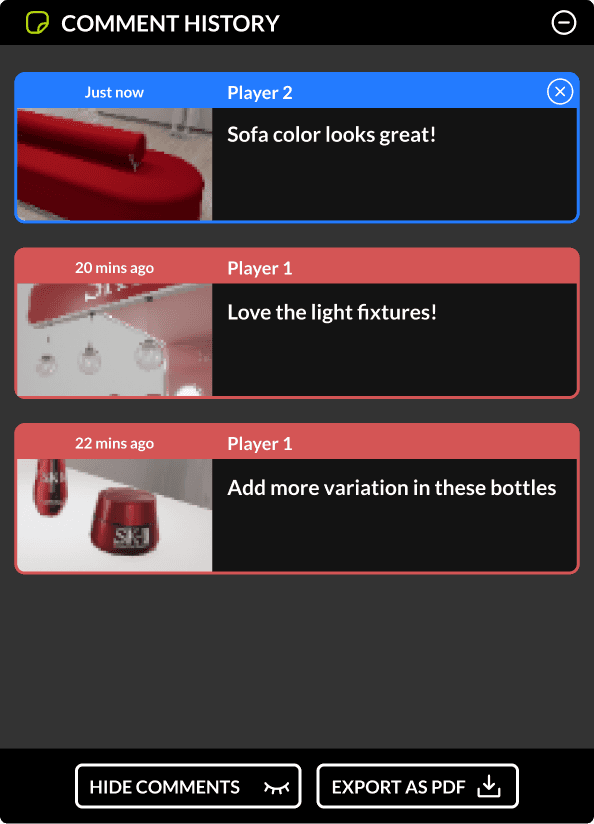
Chat and comment features for multiplayer experiences
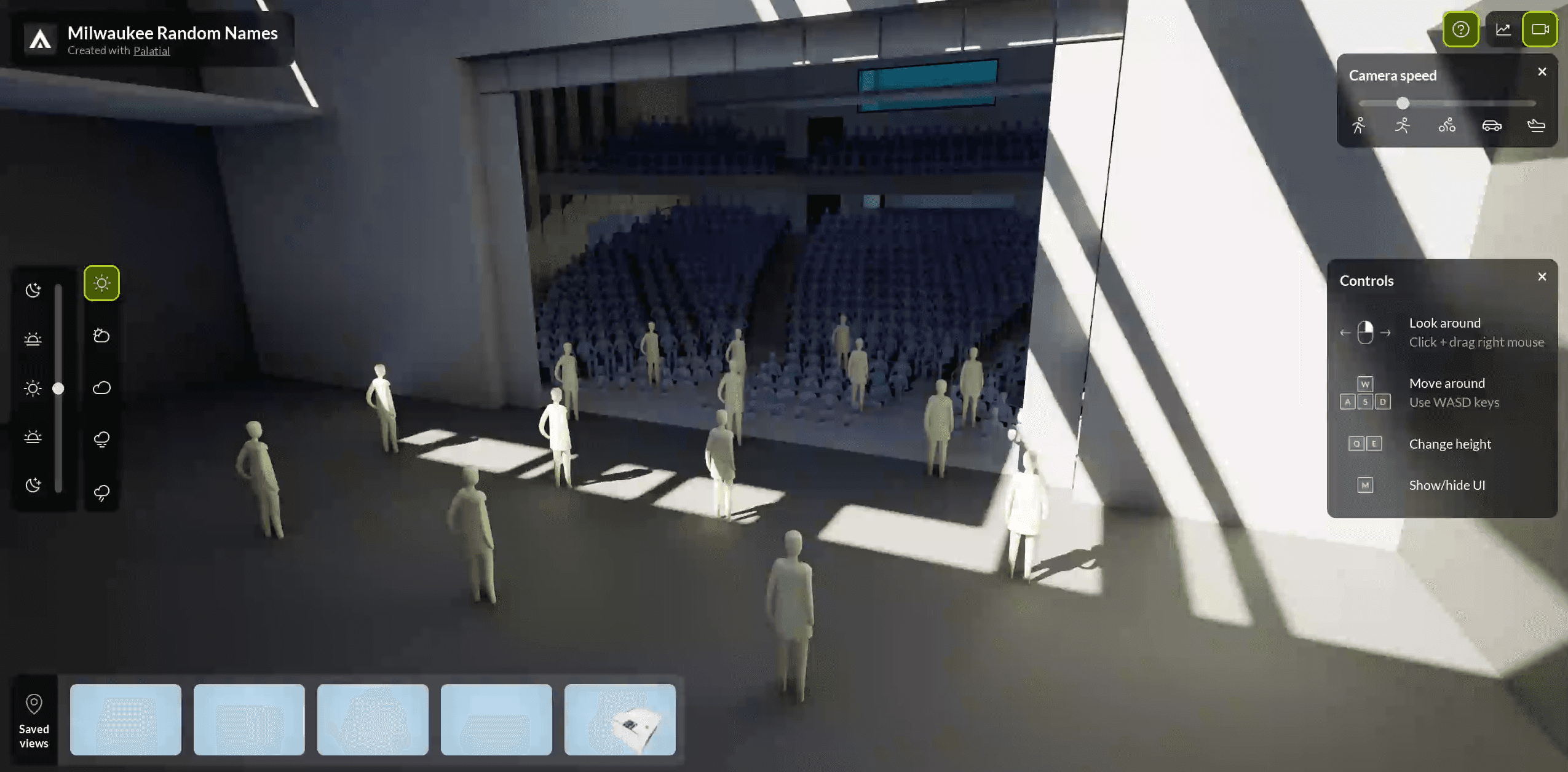
Low fidelity prototype -II
Initial sketching explorations
Initial sketching explorations
Multiplayer experience with commenting features + info panel to learn more about the scene
Requested features
After the initial exploratory meetings with stakeholders and user interviews, these were the main features that were requested by stakeholders and the users to be implemented:
Ability to navigate the scene
Users needed a way to navigate the 3D scene, either by walking or flying through the space.
Keep track of performance
An active panel demonstrating the FPS and the frame time of the scene.
Teleporting to spatial bookmarks
Ability to navigate through the scene by using spatial bookmarks to teleport to different areas.
Multi platform support
Ability to view the pixel streaming instance and control it, no matter which device you're on.
Control time of day and weather
Users wanted the option to control the weather, sun rotation and time of day.
Shareable links to send to clients
Option to share a link with clients so they can review design changes and provide feedback on the go.
Navigation - Walk/fly around the scene
Created two different ways for users to navigate the scene, 'Walk Mode' and 'Fly Mode'. I also added the ability to set various speeds for easier navigation.
Video - Walk mode
Video - Fly mode
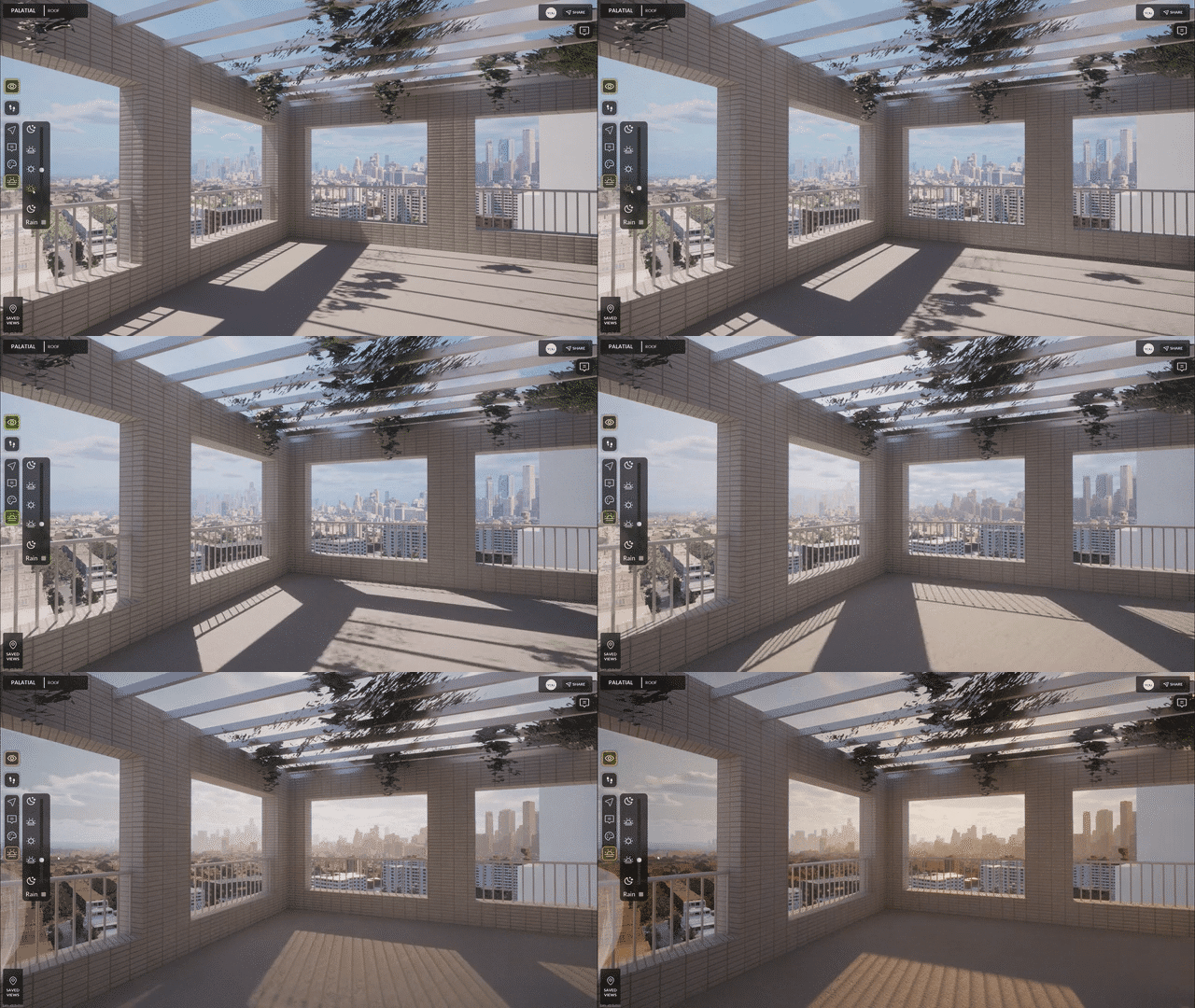
Environment Controls
Synced with Ultra Dynamic Sky, I setup the buttons to manually control the time of day, sun rotation and weather settings.
Video - Environment controls
Spatial bookmarks
Essentially these are portals that allow you to teleport to various sections of the experience, which can be setup by the users in their 3D CAD software.
Video - Onboarding process
Multi-platform support - Mobile, Web & XR
As these experiences are web-based, they could be run on any platform. Based on device tags, different layouts were created in UMG to show the right UI, everytime.
Video - VR Demonstration
Left- Low fidelity wireframes, Right - High fidelity wireframes
Keeping track of performance
Although this experience is web based, sometimes slower network speeds can cause the FPS to drop. This is why I created a 'Performance Statistics' panel to improve performance.
Video - Onboarding process
Design language
For this project, I built the design language on top of Palatial's existing design system, which I had initially developed from scratch and maintained across various other projects. This foundation allowed me to ensure consistency and scalability while adapting the design to fit the specific needs of pixel streaming UI.
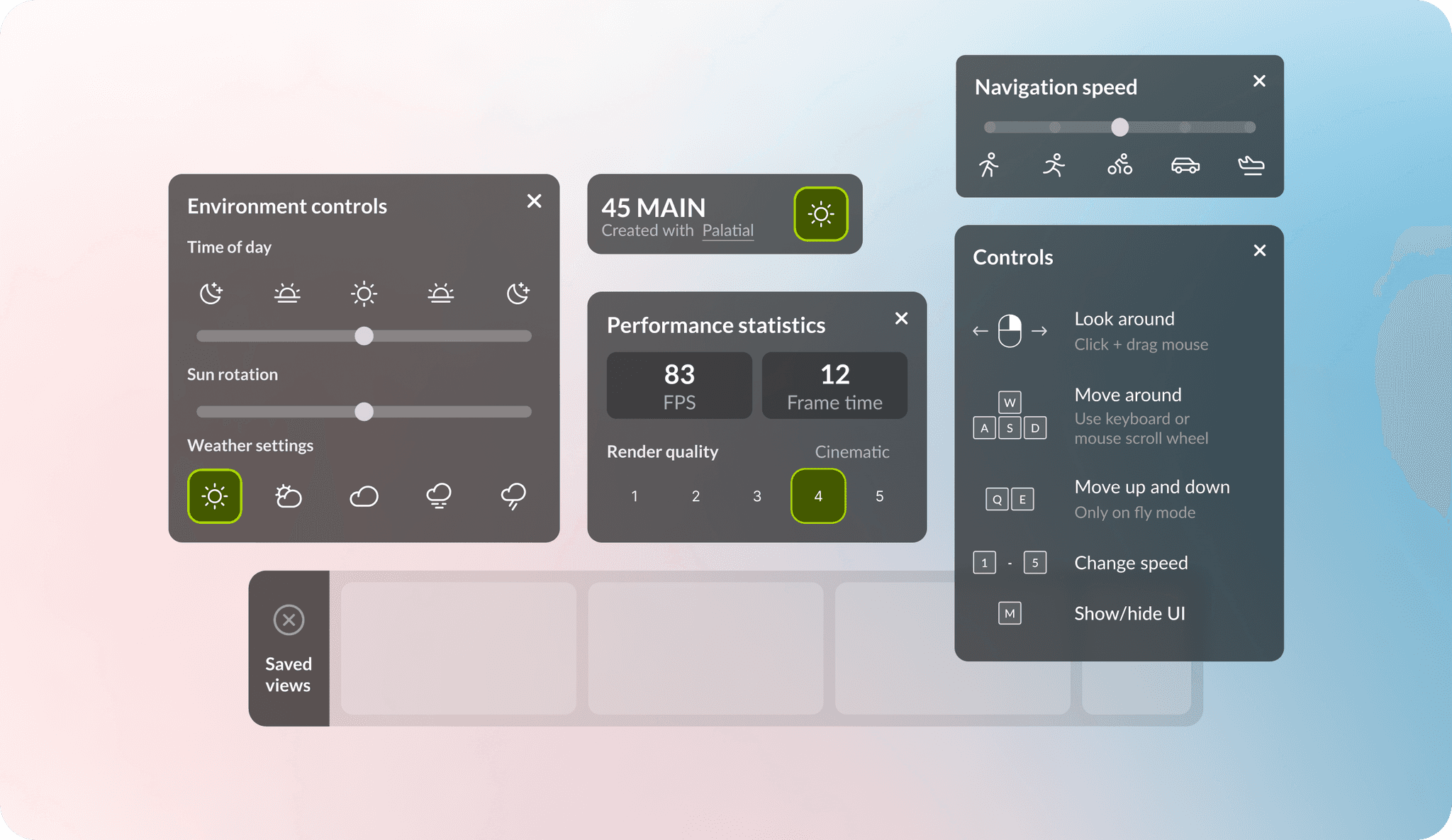
Various elements designed and developed for the project
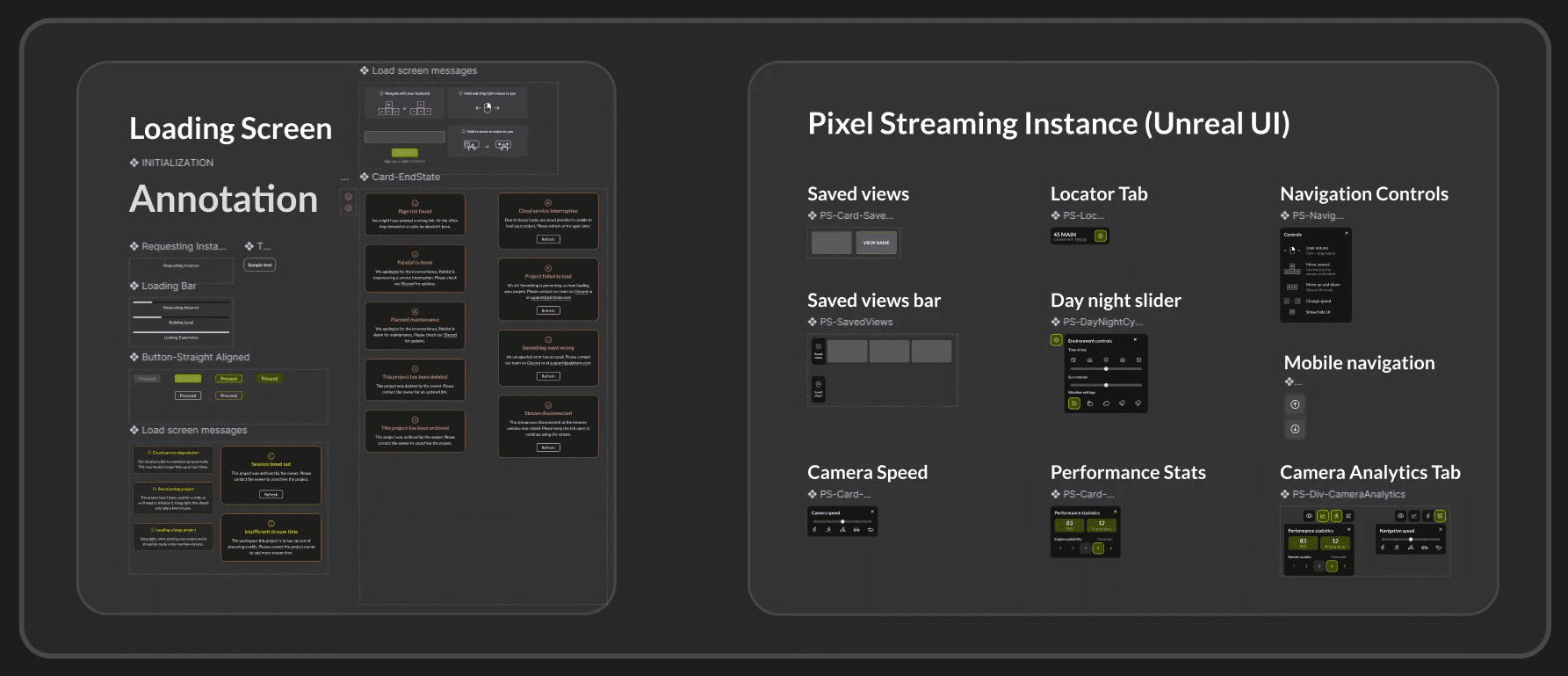
Extensions created for Palatial's design system
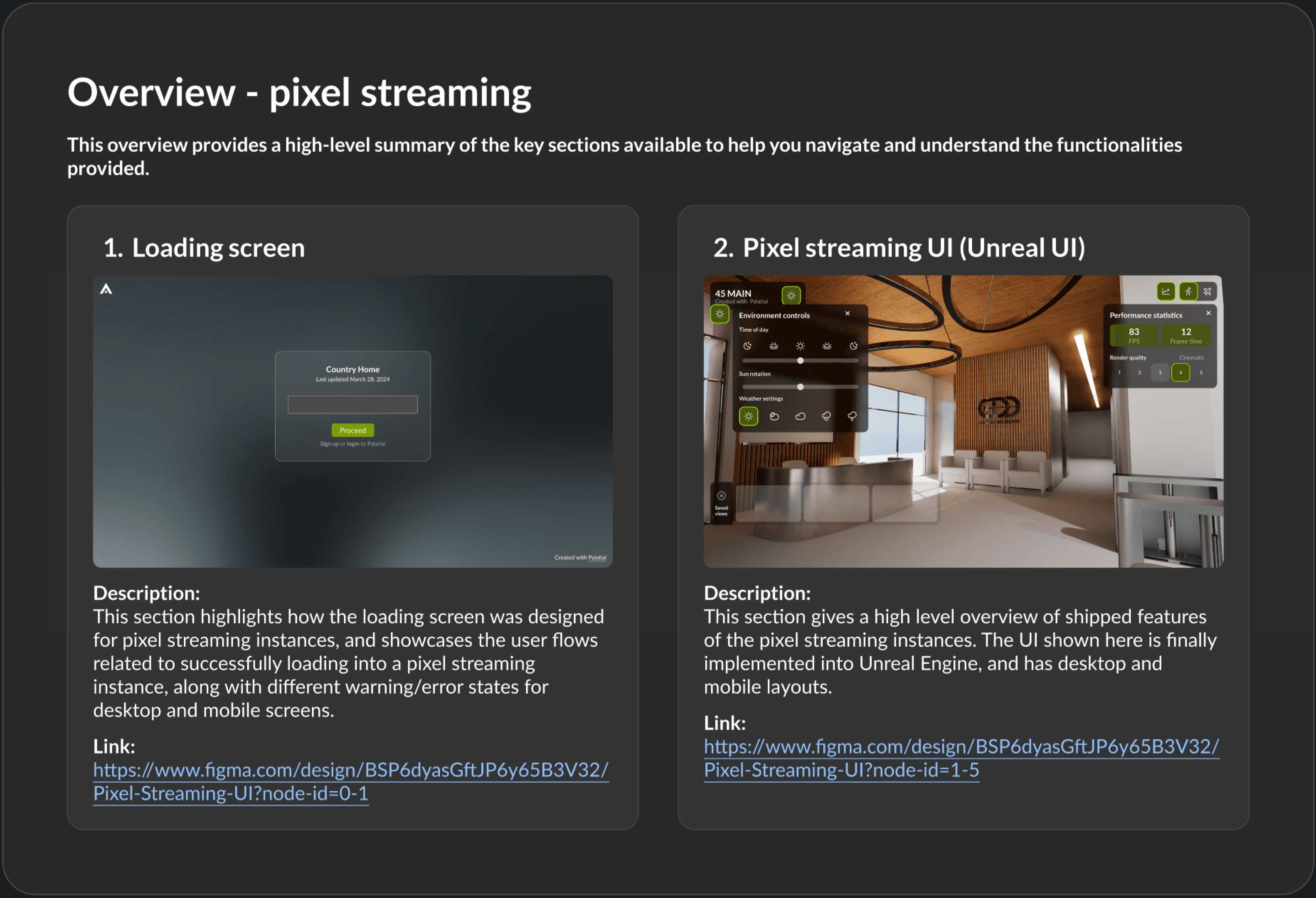
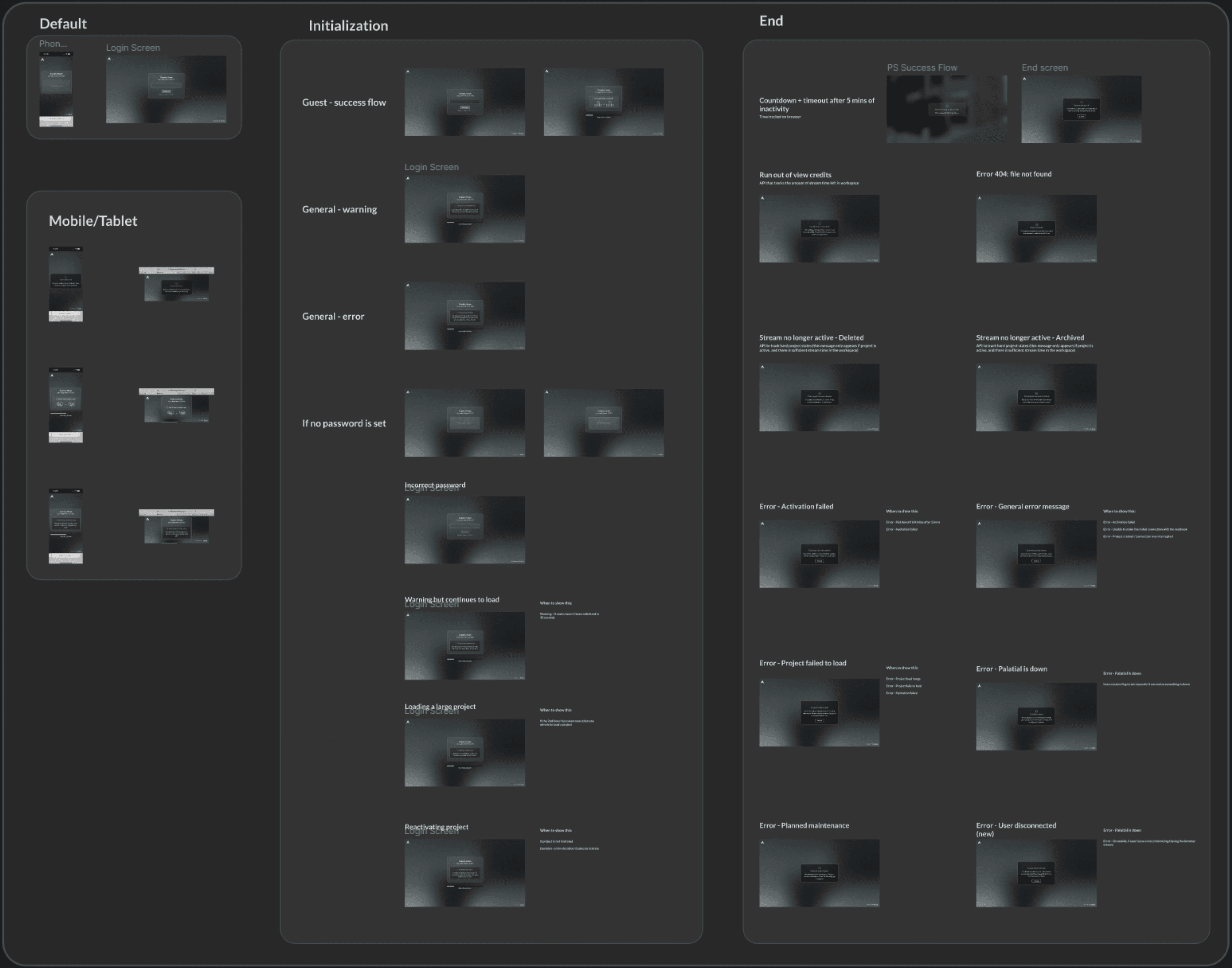
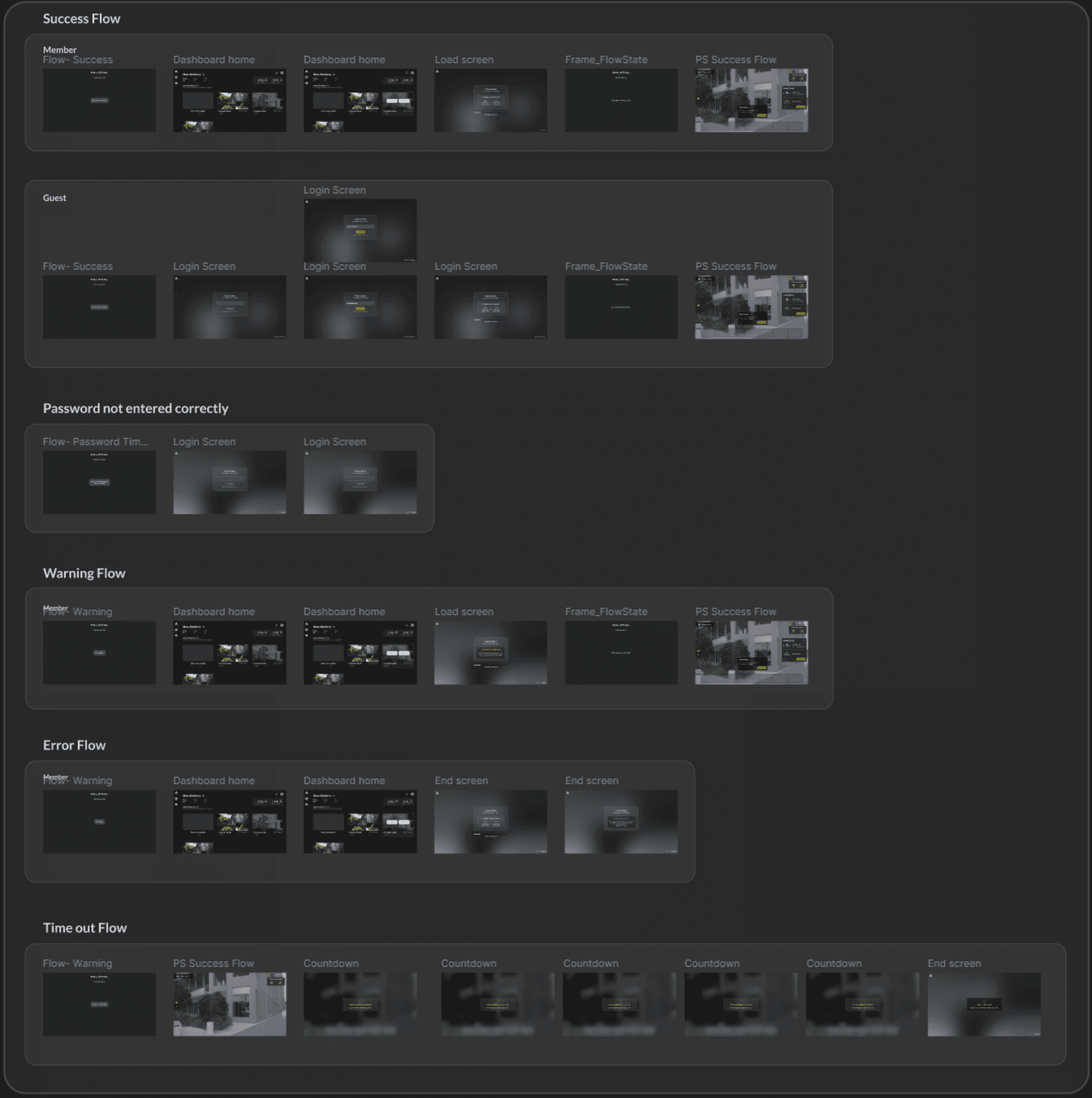
Design documentation in Figma for user flows